|
|

|
Page 1 of 1
|
[ 7 posts ] |
|
|
Mobile_Svensk
|
 Posted: Posted: Sun, Aug 14 2011, 21:44 PM |
|
|

Player
Joined: 21 Jul 2005
Location: Awarded most Confused Git of 2014!
|
|
Hello scripters!
What's the script to add Glowing Eyes to a PC/NPC in the toolset? Been trying to get a DM IG To help me check if a certain helm are compatible with a certain set of Glowing eyes, but no luck yet.
So im doing it myself!
And No, the glowing eyes you get from the widget is not the same type/model as the Monk eyes. They sit differently.
_________________
Amia Minecraft Server Ip: vps1602.directvps.nl
NWN Damage Calculator: http://www.afterlifeguild.org/Thott/dnd/
NWN Build Calculator: http://nwvault.ign.com/View.php?view=Other.Detail&id=856
|
|
|
|
 |
|
Dark Immolation
|
Posted: Sun, Aug 14 2011, 22:59 PM |
|
|

Developer
Joined: 20 Apr 2008
Location: The downeaster "Alexa"
|
|
There's a lot easier way to check if monk eyes will work. Just make a module, put the helm you want to check into it, DebugMode and level up a test PC until they get the eyes.
You were going to write a whole script for that? I don't even think you can get a script to do monk eyes specifically, because afaik they're linked to the Perfect Self feat.
_________________  You think Magic is your ally... but you merely adopted the Art. He was born in it. Molded by it. You think Magic is your ally... but you merely adopted the Art. He was born in it. Molded by it.
Sometimes, an angel is simply a devil with better intentions.
|
|
|
|
|
|
Mobile_Svensk
|
Posted: Sun, Aug 14 2011, 23:24 PM |
|
|
Player
Joined: 21 Jul 2005
Location: Awarded most Confused Git of 2014!
|
Very_Svensk wrote: And No, the glowing eyes you get from the widget is not the same type/model as the Monk eyes. They sit differently. Ment those others - They sit differently, farther out.
_________________
Amia Minecraft Server Ip: vps1602.directvps.nl
NWN Damage Calculator: http://www.afterlifeguild.org/Thott/dnd/
NWN Build Calculator: http://nwvault.ign.com/View.php?view=Other.Detail&id=856
|
|
|
|
|
|
Dark Immolation
|
Posted: Mon, Aug 15 2011, 1:20 AM |
|
|
Developer
Joined: 20 Apr 2008
Location: The downeaster "Alexa"
|
That's even easier. DebugMode 1 -> dm_visualeffect X Y (X is the vfx number, Y is the duration in seconds) Now I've lost my list of VFX numbers, you can probably find it online. Or better yet just download a VFX browser like this one and you'll get more use out of it. _________________ You think Magic is your ally... but you merely adopted the Art. He was born in it. Molded by it.
Sometimes, an angel is simply a devil with better intentions.
|
|
|
|
|
|
Selvec Darkon
|
Posted: Mon, Aug 15 2011, 1:33 AM |
|
|
Player
Joined: 12 Oct 2005
Location: On a Disk, carried by four elephants, which stand on a gigantic turtle.
|
Actually there is an easy way. Download this. http://nwvault.ign.com/View.php?view=ha ... il&id=6445Back up your override folder, extract the above into it. Open up a module with Amia HAKS attached to it, and open up the crafting menu. Craft your helm how you like, then select modify body, and add glowing eyes. Don't even need to go into the toolset. Bingo, your away laughing.
_________________
I keels u with my axe!
"Do ye know where the Holy-Flamin' Frost-brand Gronk-slayin' Vorpal Hammer o' woundin' an' returnin' an' Shootin'-Lightnin'-out-yer-bum is?"
|
|
|
|
|
|
Gravemaskin
|
Posted: Mon, Aug 15 2011, 7:00 AM |
|
|

Player
Joined: 29 Jul 2007
Location: Norway: Home of the Trolls
|
|
void main()
{
ApplyEffectToObject(DURATION_TYPE_INSTANT, EffectVisualEffect(VFX_EYES_CYN_DWARF_FEMALE), GetItemActivatedTarget());
}
Give the script and the tag of an item the same name. (I.E Rawr script name, Rawr Tag name.) Then give it an unique power on activate. Whoever's targetted will get the VFX for Glowing Cyan eyes intended for a dwarven female model.
Just look up VFX_EYES_ in the constants list for a complete list of glowing eyes for the various models and colors.
Since I'm just doing this by ear right now, I'm not 100% sure if it's DURATION_TYPE_INSTANT or DURATION_TYPE_PERMANENT... but if one don't work, try the other.
_________________
Adair - Druid and part time treant cosplayer
|
|
|
|
|
|
Ðraco
|
Posted: Mon, Aug 15 2011, 15:22 PM |
|
|
Player
Joined: 09 May 2010
Location: Canada Ontario, GMT -5
|
Quote: void main()
{
int nLocal = GetLocalInt(OBJECT_SELF, "NW_2Q4_KURTH_SPAWN");
if(nLocal == 0)
{
effect eVis = EffectVisualEffect(VFX_EYES_RED_FLAME_HUMAN_MALE);
ApplyEffectToObject(DURATION_TYPE_PERMANENT, eVis, OBJECT_SELF);
effect eVis2 = EffectVisualEffect(VFX_NONE);
ApplyEffectToObject(DURATION_TYPE_PERMANENT, eVis2, OBJECT_SELF);
effect eVis3 = EffectVisualEffect(VFX_NONE);
ApplyEffectToObject(DURATION_TYPE_PERMANENT, eVis3, OBJECT_SELF);
SetLocalInt(OBJECT_SELF, "NW_2Q4_KURTH_SPAWN", 1);
}
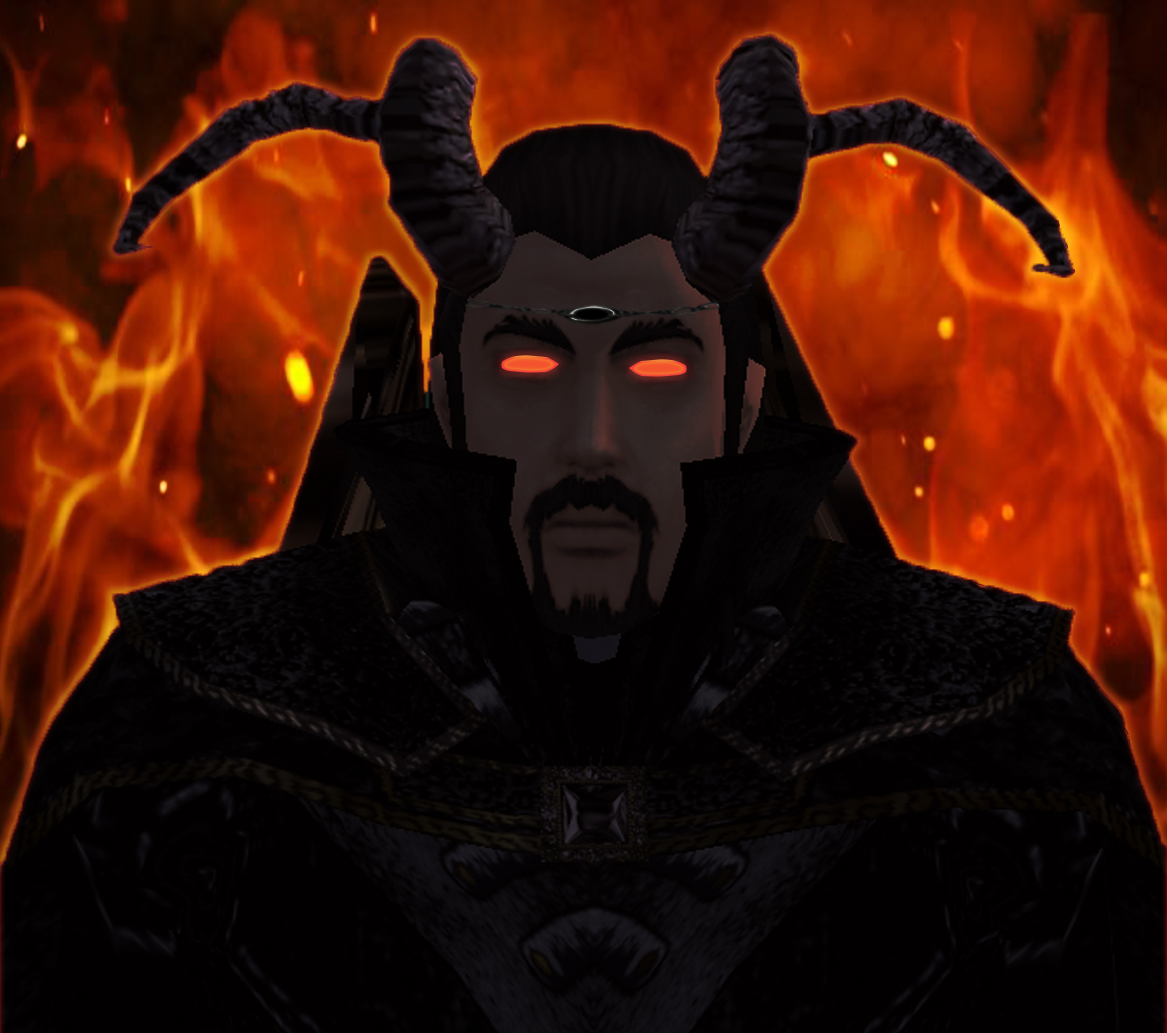
} I modded this existing script that goes into Heartbeat, make a creature in toolset and give it the appropriate Glowing Eyes VFX, its what I do. *shrugs* Some combinations of Glowing Eyes like the Flaming Red Eyes and other colors can make new ones all together, like Flaming Red+Glowing Green= Flaming Eyes _________________ ~Draco Bloodcloak~ In the mind of a tielfing~Xanhorn Dragonsbane~
|
|
|
|
|
|
|
Page 1 of 1
|
[ 7 posts ] |
|
Who is online |
Users browsing this forum: No registered users and 62 guests |
|
You cannot post new topics in this forum
You cannot reply to topics in this forum
You cannot edit your posts in this forum
You cannot delete your posts in this forum
|
|

 FAQ
FAQ
 Search
 Login
Login